Creating Images and Video
Content Brief: What Makes a Good Image or Video
To help us best showcase Rotary’s impact, here are some quick tips on capturing quality content:
Image & Video Quality
- Use an iPhone 12 or newer, or any high-resolution camera (DSLR, mirrorless, or quality smartphone).
- Ensure your lens is clean, and shoot in good natural lighting when possible.
- Hold your phone vertically (portrait) for video use on social platforms (Instagram Stories/Reels).
What to Capture
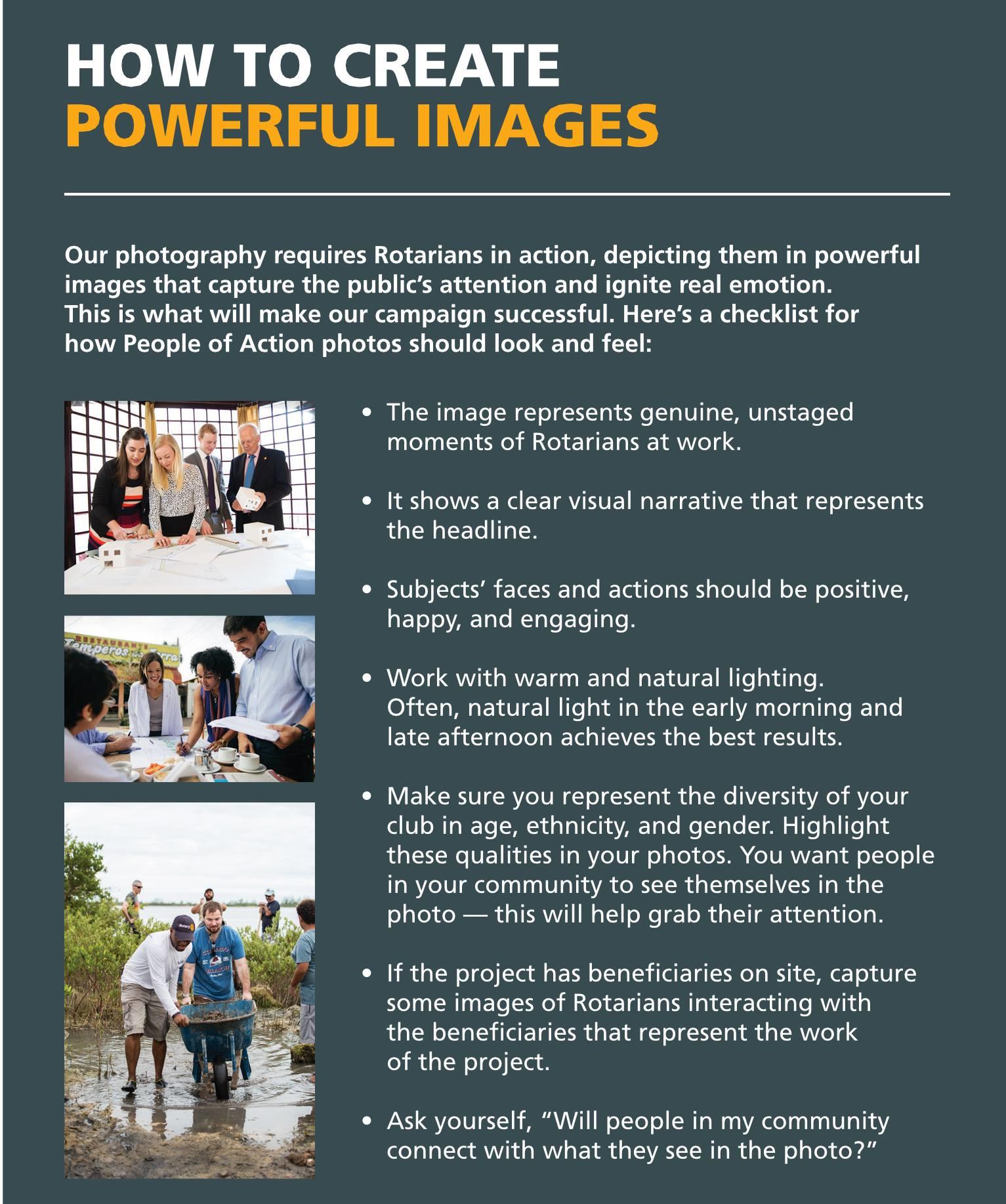
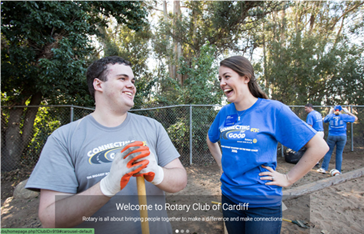
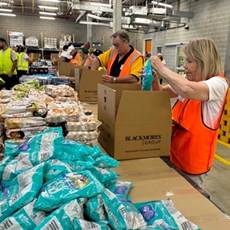
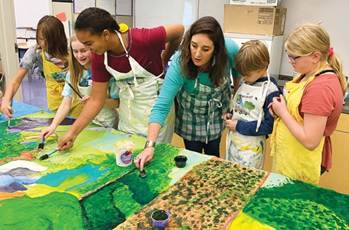
- Smiling faces & action shots: Members engaging in activities, interacting with the community, or participating in events.
- Candid moments: Authentic, joyful, and natural expressions are best.
- Signage or branding: If possible, include Rotary logos, banners, or shirts to link the story visually.
Avoid
- Blurry or grainy shots
- Poor lighting (especially dim indoor settings)
- Too much distance between subject and camera
- Distracting backgrounds or clutter
A clear, well-framed photo or video can tell a powerful story—thank you for helping us share Rotary’s impact with the world!
For more information contact publicimage@rotarysouthpacific.org